Download WP Finder for Windows
Download WP Finder for Windows 10 and 11. There is no installer, so just unzip and open it. Your free trial of 150 sites starts by itself.
Start in 1 minute after you download
1. Download
Get the zip and unzip it. You’ll find WPFinder.exe.
2. Open it
Double-click WPFinder.exe. If Windows shows “protected your PC”, click More info → Run anyway.
3. Use the free trial
Your 150 free sites start by themselves. Search a keyword or paste a list and press the button.
4. Activate
After you buy, copy your key from My Account → License keys, click Licence in the app, paste it and click Activate.
System requirements
- Windows 10 or Windows 11 (64-bit)
- An internet connection
- No installation or admin rights needed
- Mac or Linux? Use the web app in your browser
Safe to run
Windows SmartScreen may show a warning for new apps that aren’t downloaded by many people yet — that’s normal. Click More info → Run anyway to start it. The app only reads public web pages and talks to our license server, and it never changes anything on your computer outside its own folder.
Questions? Contact us.
What you get with the download
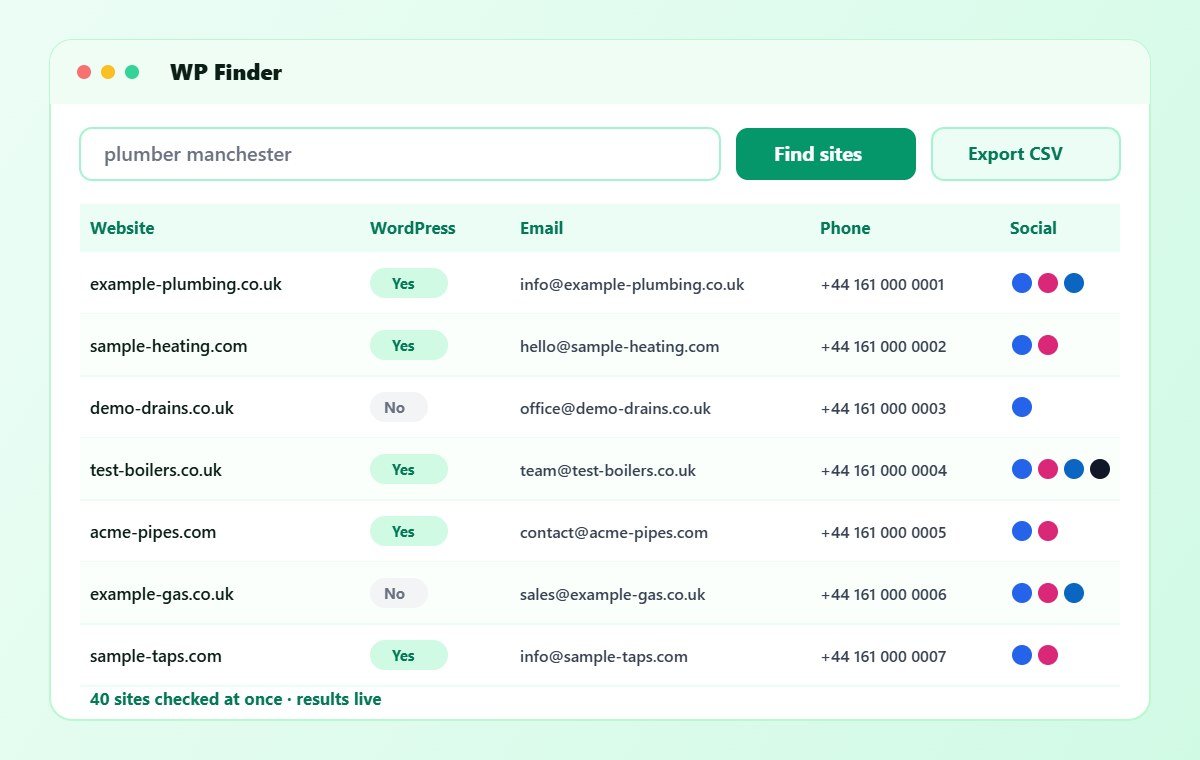
The download is a small zip file with one program inside, WPFinder.exe. It includes every feature: keyword search, the WordPress check, the email, phone, WhatsApp and social finder, the email sender and Excel and CSV export.
Your free trial covers 150 sites. After that, you can upgrade on the pricing page and activate the same app with your license key, so there is nothing new to install. Moreover, updates are free while your plan is active.
Ready for unlimited searches?
Upgrade any time for $50 a month — web and Windows included.